Introduction:
Online downloader websites have become popular tools for saving videos, images, and audio from social media platforms. While these tools are convenient, not all of them are safe. Many users unknowingly visit unsafe websites that can compromise their privacy, security, and device performance.
Understanding how to identify safe and unsafe downloader websites is essential in today’s digital environment. This guide will help you recognize the key differences and make informed decisions while using such tools.
Why Safety Matters in Downloader Websites?
When you use an online downloader, you are interacting with a third-party platform. This means you are trusting that website to process your request without misusing your data.
Unsafe websites can:
- Steal personal information
- Track your activity without consent
- Display harmful or misleading ads
- Redirect you to malicious pages
This is why identifying a safe downloader is not just important. it is necessary.
Key Signs of a Safe Downloader Website
1. No login requirement:
A trustworthy downloader will never ask for your social media login details.
Safe websites:
- Work using public links only
- Do not request usernames or passwords
If a site asks you to log in, it is a major red flag.
2. Secure Website (HTTPS):
Always check the website URL. Safe sites use:
HTTPS (Secure Connection)
This ensures that the data exchanged between your browser and the website is encrypted.
3. Clean and Simple interface:
Reliable tools usually have:
- Minimal design
- Clear instructions
- No unneccessary pop-ups
Unsafe sites often look cluttered and confusing, filled with misleading buttons.
4. No forced downloads or installations:
A safe downloader works directly in your browser.
Be cautious if a site:
- Forces you to install apps
- Prompts browser extensions
- Downloads files automatically
These can be harmful to your device.
5. Transparent Privacy policy:
Safe websites provide:
- Privacy policy
- Terms of use
- Clear explanation of how data is handled
This shows that the platform values user trust and transparency.
Warning Signs of Unsafe Downloader Websites
1. Asking for personal information:
If a site asks for:
- Email address
- Phone number
- Login credentials
Avoid it immediately.
2. Too many pop-ups Ads:
Excessive pop-ups are a strong indicator of an unsafe site. These ads may:
- Redirect you to unknown pages
- Trigger unwanted downloads
- Contain harmful links
3. Fake Download buttons:
Some websites show multiple "Downlaod" buttons to confuse users.
Only one button is usually real. the rest are ads.
4. Suspicious Redirects:
If clicking anywhere redirects you to another site, it's unsafe.
Safe tools:
- Keep you on the same page
- Process your request directly
5. Poor website performance:
Unsafe sites often:
- Load slowly
- Crash frequently
- Show broken elements
This indicates low reliability and possible security risks.
How Safe Downloader Websites Actually Work
Safe downloader tools follow a simple process:
- They accept a publicly available link
- Process the content without accessing private data
- Generate a downloadable file
- Deliver it securely to the user
They do not store your data or require access to your account.
Best Practices for Using Downloader Websites
To stay safe, follow these tips:
- Use well-known and trusted platforms
- Avoid clicking random ads or pop-ups
- Never enter login details on third-party sites
- Check website security (HTTPS)
- Use updated browsers and antivirus protection
These steps reduce the risk of security issues.
Why Users Should Be Careful
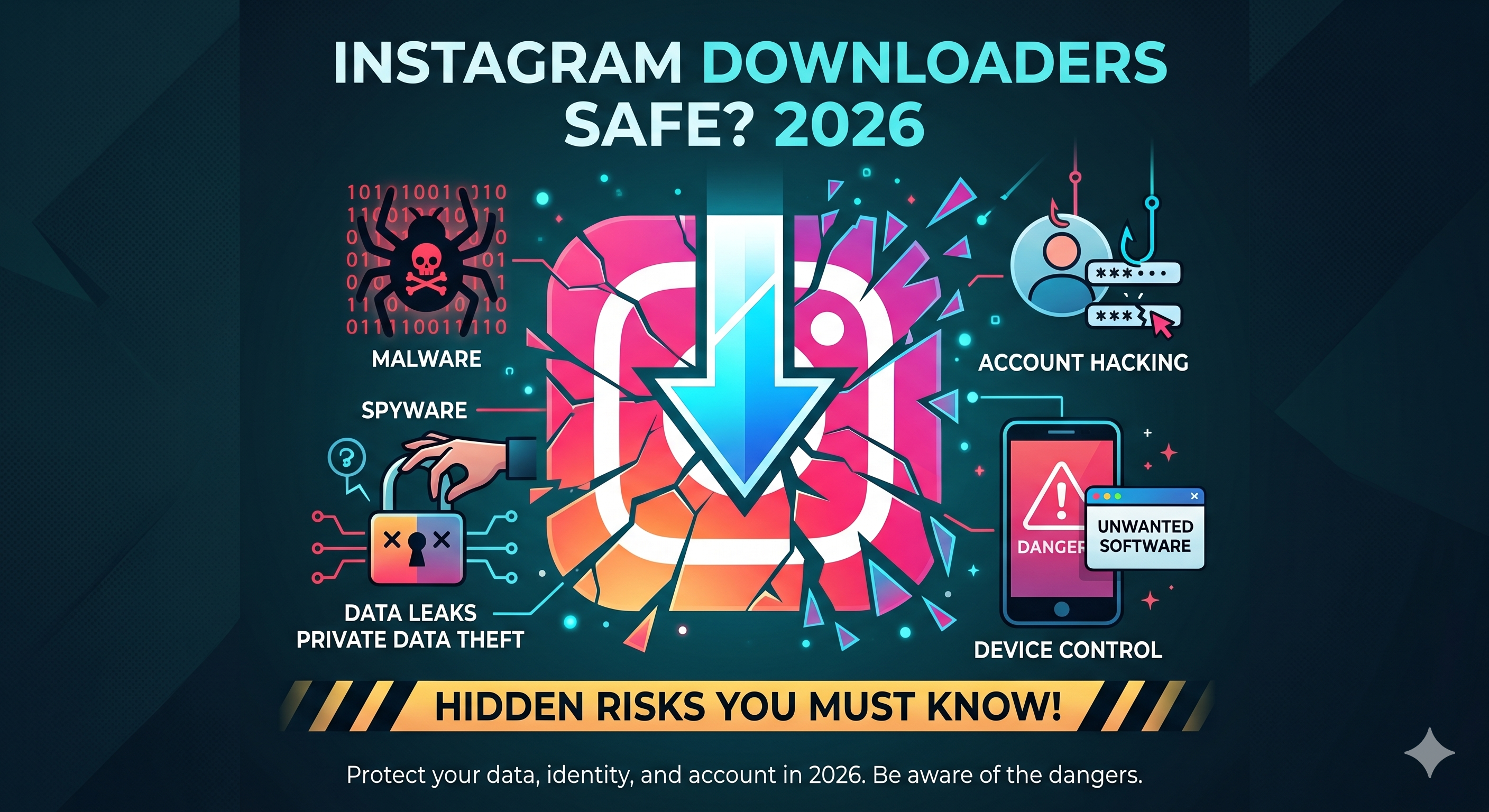
Many users focus only on convenience and ignore safety. This can lead to:
- Data leaks
- Device malware
- Account compromise
Being cautious while choosing a downloader can prevent these problems.
Conclusion:
Downloader websites can be extremely useful, but only when used safely. A secure platform will always prioritize user privacy, simplicity, and transparency. On the other hand, unsafe websites often rely on tricks, misleading ads, and unnecessary permissions.
Before using any downloader, take a moment to evaluate its safety. By following the guidelines in this article, you can protect your data, avoid risks, and enjoy a smooth downloading experience.
.png)